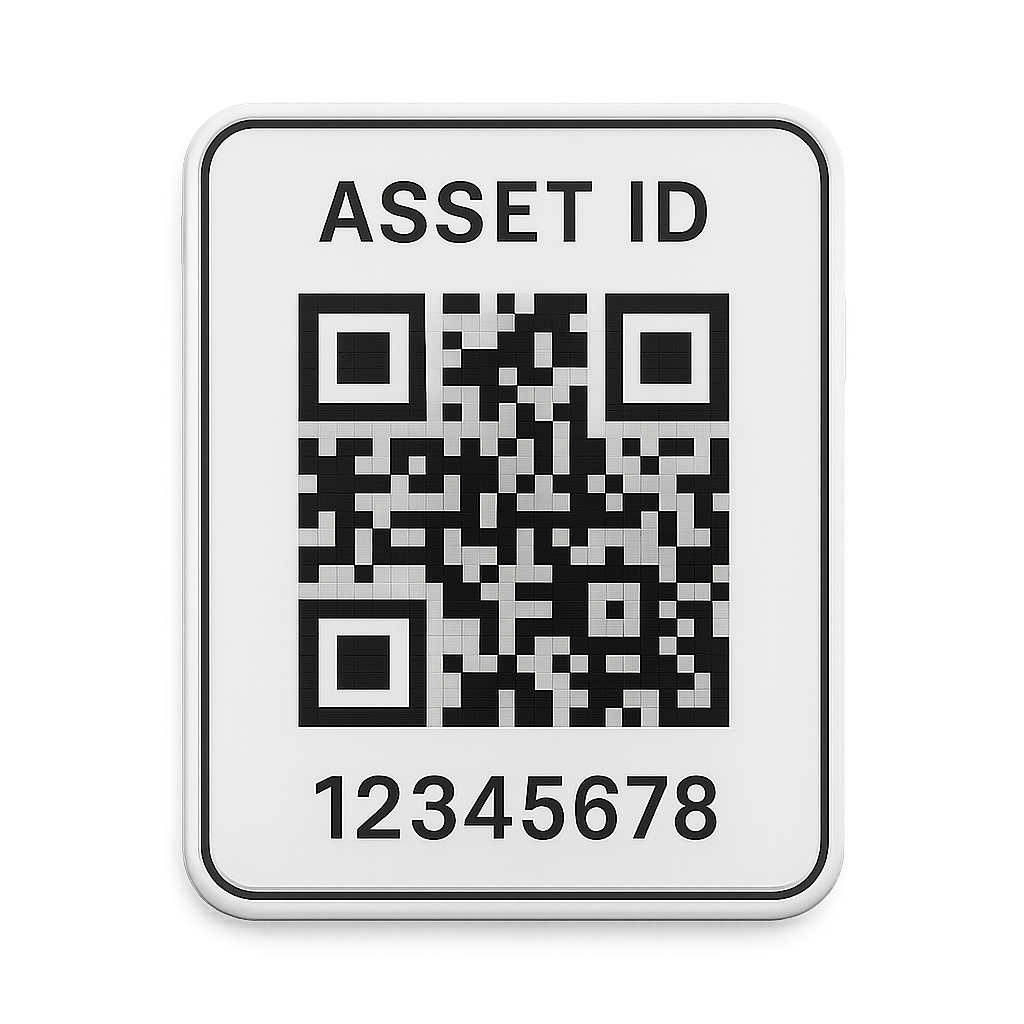
Every device. One QR. The whole history.
A single source of truth for all IT equipment across the office
who has it, where it is, and everything that has happened to it.
Why this exists
Tracking equipment by spreadsheet doesn't scale.
When devices move between people and locations, the truth drifts. These are the everyday gaps that cost time and money.
“Who has this device right now?”
Answers are scattered across emailed spreadsheets nobody trusts.
A laptop goes missing or breaks.
There's no history, you can't trace who had it, when, or where.
Time for the quarterly stock-take.
Staff read serial numbers by hand, one device at a time, for days.
A new batch of devices arrives.
Manual entry is slow and quietly creates duplicate records.
How it works
Three steps, one continuous record.
- 01
Register
Single, bulk, or Excel import
Add a device — or hundreds — and the system generates a unique QR label for each, keyed to a SHA-256 hashing ID. Duplicates are caught before anything is written.
- 02
Scan
Camera in, status out
Point a phone or webcam at the label. The browser's BarcodeDetector (with a jsQR fallback) decodes it instantly and you set the new status and location.
- 03
Track
An immutable audit trail
Every change appends to a tamper-evident log. The dashboard rolls it all up — by status, location, user, and time — so nothing is ever a mystery.
Everything in one place
Built for the way IT teams actually track equipment
Unique QR per device
Every device gets a tamper-evident QR encoding a SHA-256 hash of its identity — never a guessable sequential ID.
Scan to update status
Point a camera at any label to look up the device and move it through its lifecycle in seconds.
Bulk register
Add dozens of devices at once by hand or by uploading a spreadsheet, with duplicates caught automatically.
Live dashboard
See counts by status, type and location, plus recent activity and devices that need attention.
Spreadsheet-native
Inventory lives in summary.xlsx and every change is appended to log.csv — open it in Excel anytime.
Full audit trail
Each scan writes an immutable log row with old status, new status, user, location and a timestamp.
Start tracking every device today
Open the workspace to register your first device, generate its QR label, and watch your inventory come to life on the dashboard.